Matek ELRS-R24-D 2.4GHz Receiver
- 마텍 ELRS 수신기입니다.
본 제품은 ELRS 전용 수신기 입니다.
4in1모듈이나 CC2500모듈에 사용하실 수 없습니다.
구성
수신기 1개
T안테나 2개
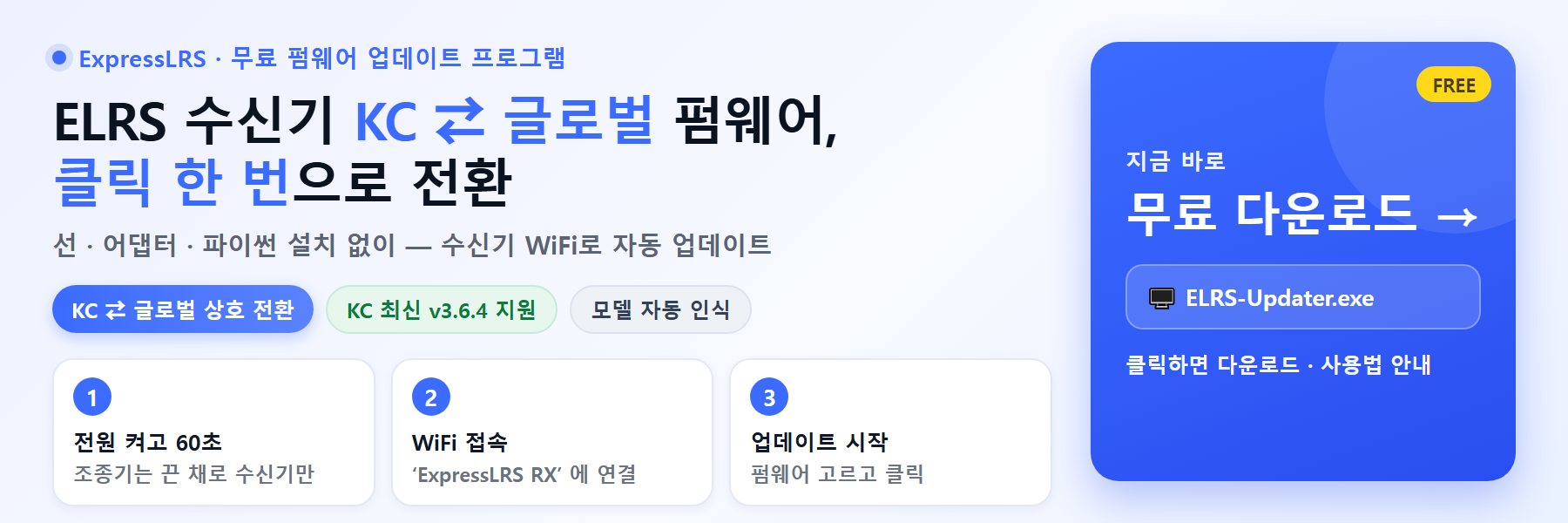
* 글로벌 펌웨어로 배송됩니다. KC 조종기에 사용하실 경우 KC 펌웨어로 업데이트가 필요합니다.
![알씨뱅크 [Matek] 마텍 R24-D ELRS 2.4GHz 수신기 1](/shop/data/editor/5ca8a6a2a8e9ce62.jpg)
Specifications
ESP8285, SX1280/1281IMLTRT
PA/LNA: SE2431L
Antenna connector: IPEX MHF 1
RF Frequency: 2.4GHz (2400~2480MHz)
Telemetry power: 22.5dbm~23dbm
SE2431L RX_gain: 12.5dB
Diversity (antenna-switching), default ANT2
Receiver protocol: CRSF
Input voltage: 4~9V DC @ 5V pad
Power dissipation: 40~45mA(before binding), 70~75mA(binding), 90~95mA(wifi mode)
PCB size: 21mm x 15mm
Weight: 3g w/ 2x antennas
Packing: 1x ELRS-R24-D, 2x IPEX MHF1 Antennas
Firmwares
ExpressLRS 1.x & 2.x, MATEK 2400 RX enable “USE_DIVERSITY
ExpressLRS 3.x or newer, MATEK R24-D 2.4GHz RX
Firmware update via UART or WIFI
Quick Start and Tips
“Any ELRS 2.4Ghz receivers can work with any ELRS 2.4Ghz TX Modules, from any manufacturer and even the DIY ones.
This is as long as they have the same binding phrase and configuration options (Regulatory Domain, Performance Options and Extra Data).”
More details about ExpressLRS, pls check out ExpressLRS wiki
Receivers have ExpressLRS fw preloaded with BINDING_PHRASE for QC, the Receiver will never enter binding mode using the traditional binding procedure.
Traditional binding is not recommended. You’d better flash it with your binding phrase.
Wiring with FC
Receiver RX — FC UART_TX for Telemetry
Receiver TX — FC UART_RX for Control
Receiver 5V — FC 5V or 4v5
Receiver G — FC GND
Receiver protocol: Serial-based receiver – CRSF
Flashing with ELRS configurator
Wire the receiver into the USB-TTL adapter, with TX on receiver connected to the Rx on the USB-TTL, and RX on receiver connected to the Tx of the USB-TTL.
Wire 5V and GND of the USB-TTL to 5V and GND of the Receiver. Press the boot button while powering the RX on, and release – the LED should now be solid.
Select the target MATEK R24-D 2.4GHz RX ( for ELRS-R24-D) / MATEK R24-S 2.4GHz RX ( for ELRS-R24-S) and “UART” for Flashing Method, set your bind phrase and Firmware Options,
Check “erase before flash” and “Force FLash “, once done, click on Flash.
Troubleshooting
If receiver can’t be flashed via WIFI or BFpassthrough when it come with preloaded firmware. You may recover it by flashing it via UART.

![알씨뱅크 [Matek] 마텍 R24-D ELRS 2.4GHz 수신기](../data/goods/1751940857193l0.jpg)